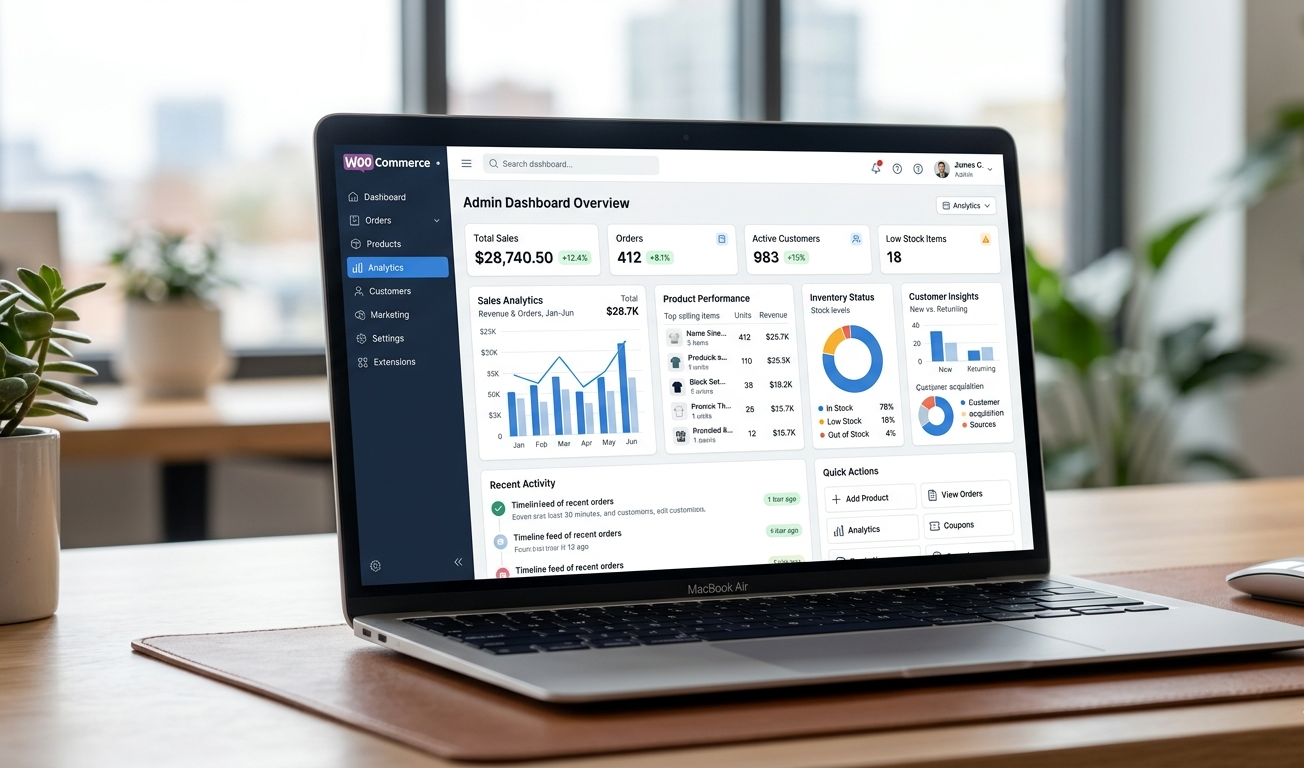
Anyone who has run a WooCommerce store for more than a few minutes will understand that the platform is essentially just the tip of an iceberg. The true magic occurs when you add the correct plugins on top of it. The bad news is there are thousands of options, and not all of them merit your time or your money.
This guide tells you what this is all about. We’ve done the research, tested what is really working in 2026, surveyed the big stores to see what they are using, and crunched the numbers on a definitive list of the best WooCommerce plugins for eCommerce that will actually move the needle on your sales, conversions, and customer experience. From starting a new store to scaling an existing one, this will guide you through the process and conversions.
And if you’re looking for expert help setting things up the right way, the team at DazzleBirds WooCommerce Development Services can help you go from installation to a fully optimized, high-converting store.
Why Plugins Matter More Than Ever in 2026
Globally, over 4 million active online stores run on WooCommerce. That number continues to grow, which means competition is stiffer than ever. The stores that are on top today are not necessarily the ones with the most products to sell or with the biggest advertising budget. They’re the ones who’ve created an experience that’s fast and frictionless—optimized to convert.
That’s how you build that experience—with plugins. With a carefully chosen stack of plugins, you need to worry about nothing from preventing carts from being abandoned and optimizing your store for search engines through personalized upsells and flexible payment gateways. But here is what you need to know: when you have installed too many plugins, your store becomes slow. Installing the wrong ones will cause conflicts. And randomly leaving plugins in the wild creates a torn codebase and becomes a nightmare to maintain.
The reason this guide goes beyond simply listing plugins. It teaches you how to determine which categories really matter, what tools you should actually spend money on, and how to strategically stack plugins. If you also need help putting together that stack, hiring professional WooCommerce developers means every plugin is configured properly and interacting fluidly with the others.
The Best WooCommerce Plugins for eCommerce in 2026: Full Breakdown
1. FunnelKit (Formerly WooFunnels) for Sales Funnels and Upsells
If there’s one type of plugin that directly influences your revenue per order, it’s upsells and order bumps. FunnelKit is the best WooCommerce plugin to create high-converting sales funnels for your eCommerce stores—without writing a single line of code.
It allows you to create 1-click upsell pages, post-purchase offers, and custom checkout flows. You can A/B test different variants of the funnel, measure conversions, and optimize on real data. We regularly see 20 to 30 percent increases in a store’s average order value, and that’s not marketing hyperbole. It’s the outcome of delivering the right offer to the right customer at the right time.
The plugin works in the same way and is fully integrated into WooCommerce’s order system, so you don’t have to worry about anything getting muddled when it comes to inventory or payment processing. It takes a bit of time to set up correctly, but the payoff is huge.
2. CartFlows for Checkout Optimization
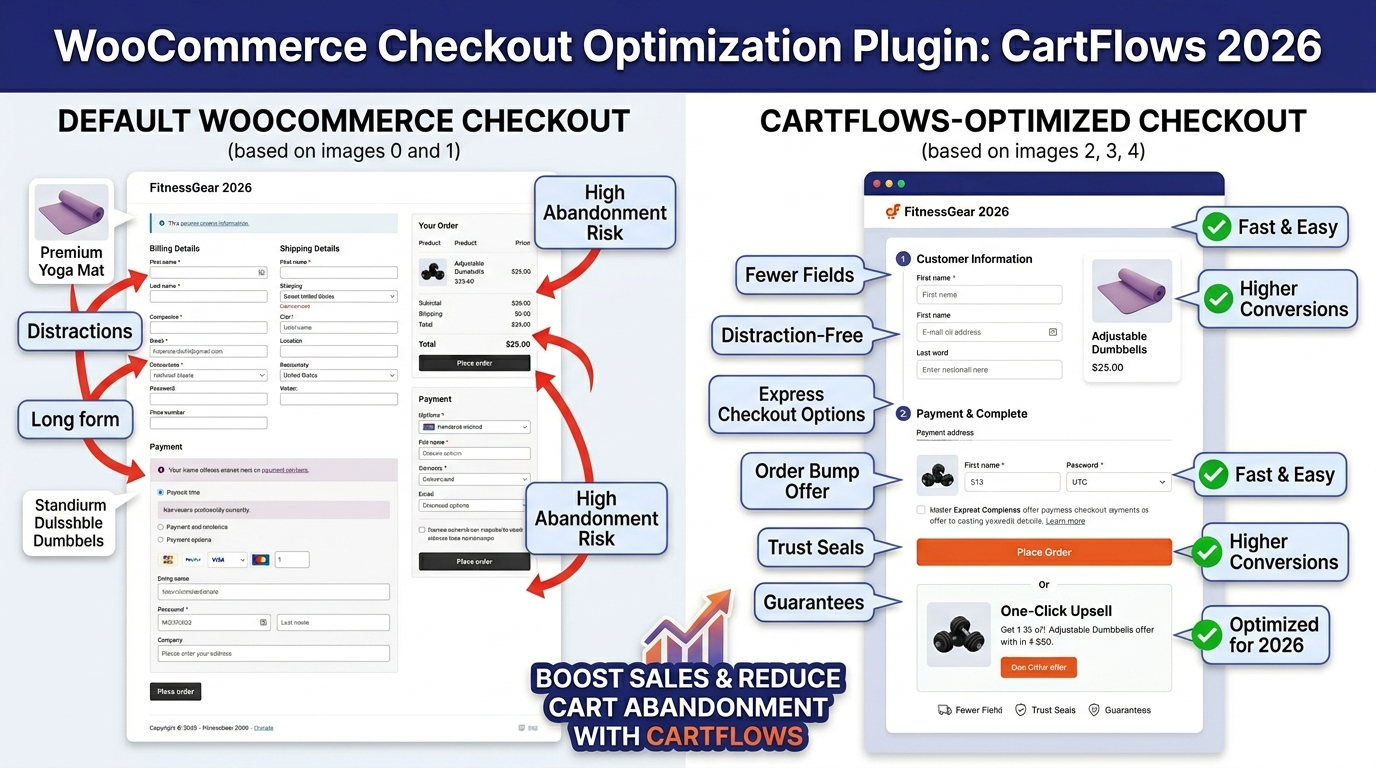
You are just using the default WooCommerce checkout. It’s not great. CartFlows replaces it with an improved, customized checkout process that minimizes friction and drop-out.
CartFlows allows you to create multi-step checkouts, trust badges, order bumps, and custom thank-you pages that pick up selling where the purchase left off. It integrates with most of the leading page builders (Elementor, Divi), so you don’t need to be a developer to create something that looks and works great.
At one point, this would be in the top WooCommerce plugins to address a common problem faced by most eCommerce stores—checkout abandonment. If you have problems with drop-offs at the payment stage, CartFlows is probably the fastest fix there is.
3. Yoast SEO or Rank Math for Search Visibility
No collection of the best WooCommerce plugins for eCommerce could possibly fail to mention an SEO plugin, and in 2026, the very best are still either Yoast SEO or Rank Math. Rank Math is quickly gaining traction, especially since its free version features stuff that users get only in Yoast Premium.
If you’re using WooCommerce specifically, you’ll want an SEO plugin that manages product schema markup, automatically generates XML sitemaps, and helps you optimize your individual product pages with meta titles and descriptions. Both tools do this well. And the WooCommerce module of Rank Math also adds product-specific structured data so that your listings can appear in rich results on Google, which can significantly improve organic CTR.
The stores at the top of Google in 2026 for the most competitive product terms are basically all using one of these two tools, paired with super high-quality content and correctly configured product pages from WooCommerce. This is where to start if you don’t see your store in search.
4. WP Rocket for Speed and Performance
In 2026, page speed isn’t optional. Core Web Vitals is one of Google’s ranking factors; shoppers will leave a store that takes over three seconds to load. Overall, the caching and optimization plugin with the best performance for WooCommerce is WP Rocket.
From a clean dashboard, it’s able to handle page caching, file minification, lazy loading for images, database optimization, and CDN integration. The setup is simple, and unlike some optimization plugins, it’s devised to not break your WooCommerce cart and checkout pages.
WP Rocket Takes The Guesswork Out Of Performance In fact, sites jumping from unoptimized through to properly cached with WP Rocket often see their load times slashed by 50% or more. That increase in speed pays dividends in a WooCommerce store doing serious traffic.
5. YITH WooCommerce Wishlist for Customer Engagement
Customers can sometimes not be ready to buy at that very moment. YITH WooCommerce Wishlist allows the customer to save products he’s interested in for later use. More importantly, it provides you with information on which products are being saved to wish lists most frequently, an invaluable insight into demand.
The plugin also allows customers to share their wish lists, which fosters organic word-of-mouth. By sharing a wishlist ahead of your birthday or holiday, you gain brand new visitors who are already warm and motivated to buy. It’s a low-lift plugin with surprisingly high ROI.
6. Klaviyo for Email Marketing Automation
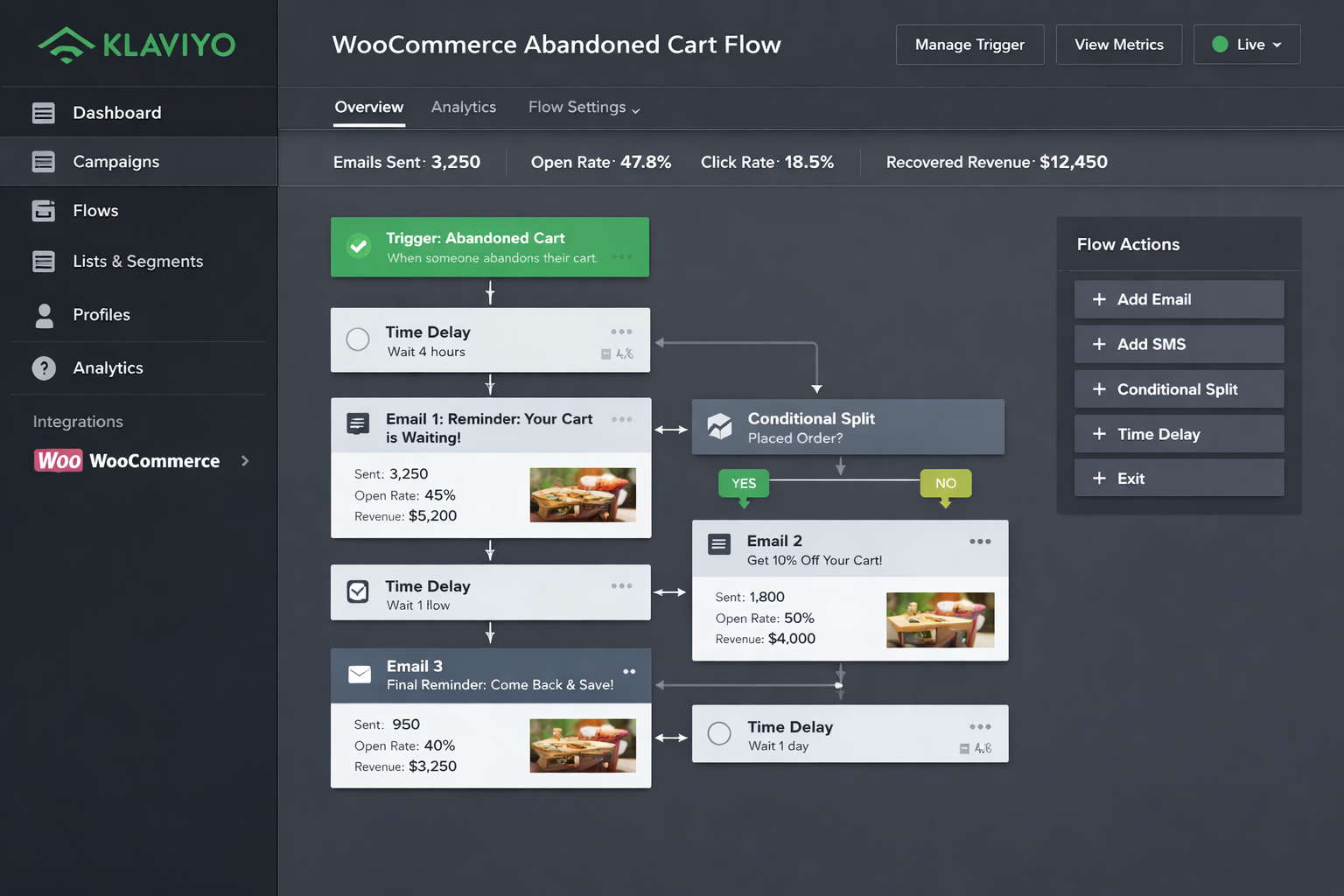
Email is the highest-ROI marketing channel for eCommerce, and Klaviyo is made just for this. Unlike other email tools, Klaviyo has a rich integration with WooCommerce order data. It can fire off automated flows based on purchase history, browsing behavior, cart abandonment, customer lifetime value, and dozens of other signals.
Klaviyo offers you out-of-the-box pre-built flows to recover abandoned carts, post-purchase sequences, win-back campaigns for lapsed customers, and browse abandonment. Every flow can be customized to reflect your voice and your particular customer segments.
One of the best WooCommerce plugins for eCommerce is Klaviyo, for stores serious about converting one-off purchasers into repeat buyers in 2026. I’m not saying it’s the cheapest thing, but the revenue it brings in usually pays for itself within a couple of months.
7. TrustPulse for Social Proof Notifications
Humans are highly affected by what other people are doing. TrustPulse takes advantage of this by displaying real-time notifications whenever other customers make a purchase, sign up, or take actions on your store. These small popup notifications provide a sense of activity and legitimacy, nudging hesitant visitors to complete the action.
It’s a subtle tool, but one that works. Social proof notifications also deliver improved conversion rates on product pages and checkout. TrustPulse also integrates with WooCommerce really nicely and has no technical setup, so it’s one of the easiest wins in this entire list.
8. WooCommerce Subscriptions for Recurring Revenue
If you sell any type of product that can be sold on a subscription basis, the WooCommerce Subscriptions plugin is worth every cent. This allows you to offer weekly, monthly, or yearly billing on physical products, digital downloads, and services.
For eCommerce, the most stable type of income is recurring revenue. It decreases your reliance on active customer acquisition and creates a predictable revenue foundation that allows for far easier forecasting and planning. The plugin takes care of weak payment retries, subscription management, proration, and customer-facing subscription controls so your customers can upgrade, downgrade, or pause their subscriptions without contacting you.
Properly setting up subscriptions does take some careful configuration, and this is where working with a WooCommerce development company pays off. If the billing logic, notifications, and customer experience are all correct from day one, it saves a world of pain later.
9. MonsterInsights for Analytics and Reporting
If you do not measure, you cannot improve. MonsterInsights integrates your WooCommerce store with Google Analytics and puts the key eCommerce stats right at your fingertips in your WordPress dashboard. No rifling through the GA4 interface trying to hunt down your conversion rate or your top-performing product category.
The good news is with MonsterInsights, you will know revenue by traffic source and what pages incurred drop-offs in your funnel, the products generating the highest sales volume and the effects of a made change in your store. It makes available enhanced eCommerce tracking, which is much more granular than the capabilities that WooCommerce natively offers.
This is essential for any store serious about data-driven optimization. Combine it with WooCommerce customization for the product and checkout pages, and you’ve got everything you need to keep making your store even better.volume,
10. WooCommerce Product Add-Ons for Personalization
The WooCommerce Product Add-Ons plugin allows customers to customize products before adding them to their cart. That could be adding a custom engraving, choosing a gift message, selecting a color that is not part of the standard variable product setup, or uploading the file for custom printing.
So, personalization saves you a lot of time due to perceived value, and you can charge more. This also formed a tighter bond between the customer and their purchase, resulting in lower return rates and higher satisfaction. This plugin is necessary for stores selling customizable goods of any type.
11. WPML or TranslatePress for Multilingual Stores
If you’re aiming for customers in other countries or languages, selling just in English is a missed opportunity. WPML and TranslatePress can both create fully translated versions of your WooCommerce site, including product pages, checkout, emails, and navigation.
Of the two, TranslatePress has instead become the go-to option in 2026 due to its visual translation editor and ease of setup. For example, it handles SEO for multilingual content correctly by creating separate URL structures for each language, allowing each version to rank in search independently.

12. WooCommerce Stripe Payment Gateway for Seamless Payments
The WooCommerce Stripe payment gateway is still the simplest, most dependable payment integration on the 2026 market. It accepts credit cards and Apple Pay and Google Pay, along with buy now pay later services through Klarna and Afterpay, plus local payment methods in dozens of countries.
Additionally, Stripe’s fraud-detection is second to none, and its checkout experience is optimized to cut card abandonment. The WooCommerce integration is developed and maintained by the WooCommerce team itself, meaning updates are reliable and compatibility issues are rare.
Stripe – Stripe is the main payment gateway for most stores, and you should set it up from day 1. Development work is needed for custom payment integrations with regional processors or proprietary systems, making seasoned woocommerce developers crucial.
How to Build a Plugin Stack That Actually Works
A list of great plugins is one thing. Creating a stack that integrates without bogging down your store or generates conflicts is another story. These are the principles to apply.
It all starts with your business goals, not the plugins. What are you trying to do before installing anything? More organic traffic? Better checkout conversion? Higher average order value? Repeat purchases? This is by design, as each goal maps to a class of plugin. You should install what you need to achieve your goals, but not necessarily everything that sounds interesting.
Plugin count only reasonable. A lot of WooCommerce stores run smoothly on 15 to 20 right plugins. If a store has 40 active plugins or even 50–it nearly always has performance problems. This is the right mindset — quality over quantity.
Test before going live. Whenever you install or update a plugin, try it on a staging environment first. They create conflicts and break things, and catching them before your customers do is way better than the alternative.
Audit regularly. The plugin landscape changes. Tools that were best-in-class 24 months ago might already be things of the past. Twice a year evaluate your plugin stack and question if each tool is still pulling its weight.
If all of this is more than you would like to manage yourself, then a professional WooCommerce development company can audit your existing setup and recommend the appropriate stack for your needs before configuring it and testing it on your behalf.
The Connection Between Plugins and Custom Development
Here’s something most plugin guides don’t tell you: plugins have limits. At some point, for reasons of performance, gap functionality, or the need for deeply specific business logic, plugins can’t do it all. That’s the right time to go for WooCommerce customization by means of custom development.
You will not need to discard your plugins; custom development is a more tailored solution. It means creating functions that no plugin provides and ensuring clean integration. Custom pricing rules, custom checkout flows, deep ERP integrations, and customized product configurators—these types of features are the work that requires real development.
The stores that lead their niches in 2026 do so by the combination of a smart plugin stack with well-architected woocommerce customization built specifically for their business. Plugins handle the common stuff. Custom code handles the differentiators.
If you’re at the point where plugins are holding you back, reach out to the team at DazzleBirds WooCommerce Development Services to discuss what’s possible.
What to Look for When Choosing Any WooCommerce Plugin
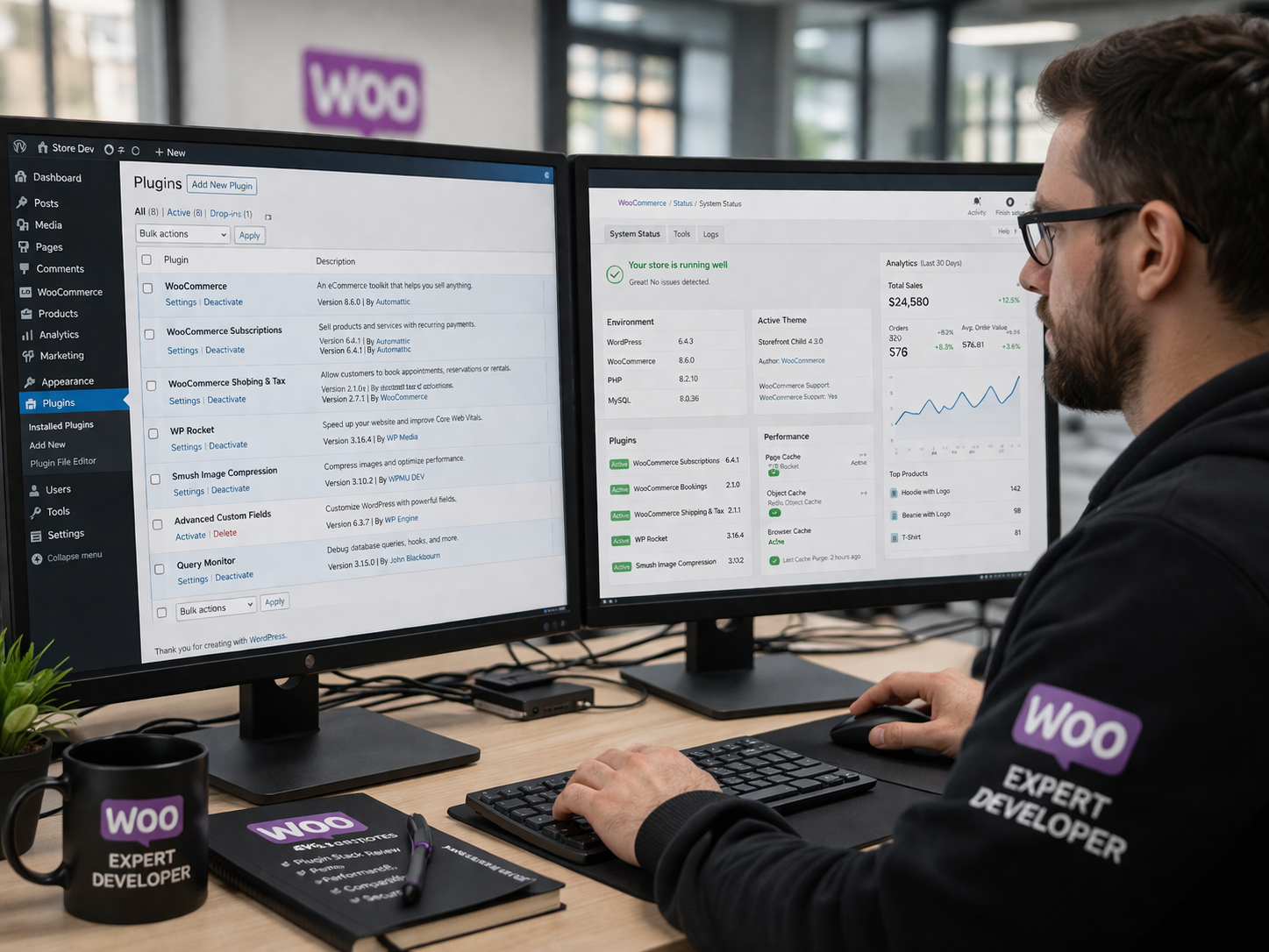
Make sure to put it through a bit of a checklist before installing any plugin on any list, including this one. Check the last update date. A plugin that hasn’t been updated in over a year is a risk. Look at the number of active installations and ratings. Both are signals of real-world dependability. Read the negative reviews specifically. They will also tell you what breaks and how the developer offers support.
Look for compatibility with the latest version of WooCommerce. The compatibility in the WooCommerce plugin repository is pretty clear. If a plugin is not tested, be careful.
Restrict your search to plugins that are managed by a reputable developer or company. Many of the leading plugins in the ecosystem are maintained by dedicated teams and have a long history. Others are side projects that don’t stick. That difference makes a huge difference when you’re stocking a store that processes actual transactions from real customers.
Final Thoughts
Those WooCommerce plugins that help with your real store problems are the best ones. There is no right stack for everyone. A B2B wholesale store needs different tools than a subscription box company. Meaning that an online shop for handmade goods is going to have a different need than one selling software digitally.
What you will find remains true among all successful WooCommerce stores is the dedication to creating something fast, reliable, and easy for them to order. The right plugins are a massive part of that. Hence, expertise in WooCommerce developers is equally important, who know the technical side of it but also align with the business industry to extract more profitability.
Start with your goals. Choose your plugins with intention. And when you need more than plugins can deliver, invest in custom development designed specifically for the way your business works. And that combination is how you build a WooCommerce store that not only competes in 2026—but wins.
FAQs
The best WooCommerce plugins for eCommerce include FunnelKit, CartFlows, Yoast SEO, WP Rocket, and Klaviyo, each solving specific store challenges like conversions, speed, and revenue growth.
Most successful WooCommerce stores run smoothly on 15–20 carefully chosen plugins. Installing too many causes performance issues, conflicts, and maintenance problems that hurt your store's speed and reliability.
FunnelKit is the best WooCommerce plugin for eCommerce stores wanting higher order values. It creates 1-click upsells and order bumps, regularly delivering 20–30% increases in average order value.
No. The best WooCommerce plugins for eCommerce handle common needs, but custom development handles unique business logic, deep integrations, and differentiators that no plugin can fully replicate or replace.
The WooCommerce Stripe payment gateway remains the most reliable choice, supporting credit cards, Apple Pay, Google Pay, Klarna, and Afterpay, with built-in fraud detection and seamless WooCommerce compatibility.


 WooCommerce Solutions
 Solutions for WordPress